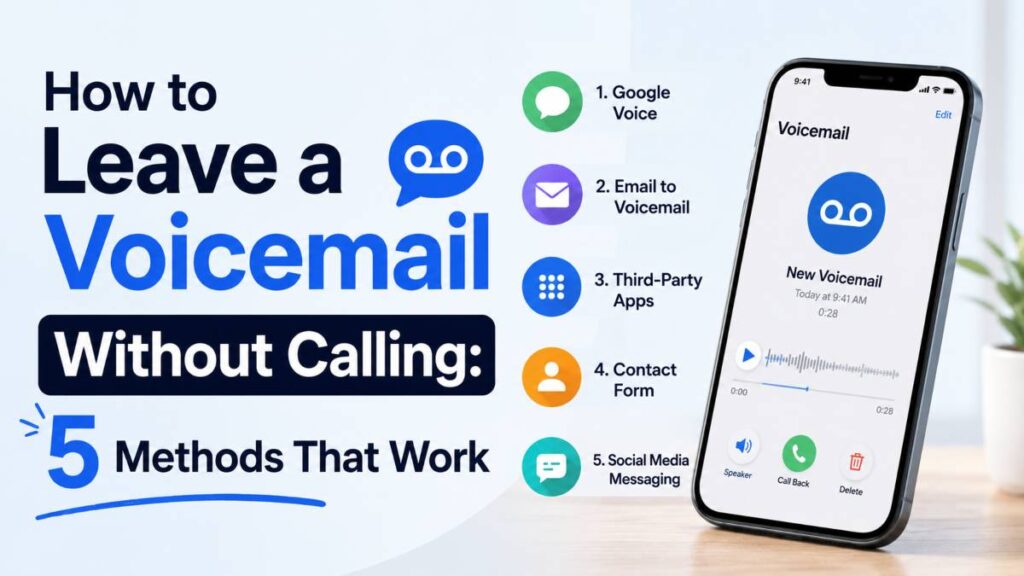
You’ve already figured out what you want to say. You just don’t want to actually talk.
Maybe you’re following up with a client and don’t want to get pulled into a 20-minute call. Maybe you’re reaching someone in a different time zone and don’t want to wake them up. Or maybe you just really, really want to avoid a conversation with your boss about calling in sick.
Whatever the reason, the good news is this: you no longer have to dial, wait through the rings, and hope for voicemail. There are now several ways to leave a voicemail without calling at all.
In this post, you’ll learn exactly how to leave a voicemail without calling, which method works best for your situation, and what you need to know before using these tools for business outreach.
What Does It Mean to Leave a Voicemail Without Calling?
Before jumping into methods, it helps to understand what’s actually happening under the hood.
How Traditional Voicemail Works
When you call someone and they don’t pick up, your call gets routed to their carrier’s voicemail server. You’re connected, you hear the beep, and you leave your message. The phone rings, the call connects, the voicemail gets recorded. That’s the standard process.
The problem is that sometimes the phone ringing is the whole issue. You didn’t want a live conversation. You just wanted to leave a message.
What Ringless Voicemail Does Differently
Ringless voicemail skips the ringing entirely. Instead of initiating a call that triggers the handset, the technology communicates directly with the carrier’s voicemail server. Your message gets deposited straight into the recipient’s voicemail inbox without their phone ever making a sound.
They get a standard “new voicemail” notification. They listen when it’s convenient. You never risked a live pickup. That’s the core idea behind ringless voicemail, and it’s the backbone of several of the methods below.
Method 1: Use Your Mobile Carrier’s Direct Voicemail Access
This is the simplest option, and it requires no extra app or account. The catch is that it only works when you and the recipient are on the same carrier network.
How It Works on AT&T, Verizon, and T-Mobile
Each major carrier has a direct voicemail access system that lets you compose a message for another subscriber on the same network.
On AT&T: Press and hold 1 to access your voicemail. From there, follow the menu prompts to send a message directly to another AT&T number.
On Verizon: Call your own voicemail, then follow the options to send a voice message to another Verizon subscriber.
On T-Mobile: Access your voicemail and look for the option to send a message to another T-Mobile number. The exact path varies slightly by device and plan.
The steps are not identical across carriers, and the interface can feel a little clunky. But if you just need a quick way to reach someone on the same network without calling them, this works and it’s free.
Who This Method Works Best For
Same-carrier contacts, quick personal messages, and anyone who doesn’t want to download a third-party app. It is not designed for business use and does not support bulk sending or scheduling.
Method 2: Use a Ringless Voicemail App
If you want more control and the ability to reach anyone regardless of carrier, a dedicated ringless voicemail app is the way to go. Several services have been built specifically for this.
Top Options: Slydial, Slybroadcast, and Drop Cowboy
Slydial is one of the most well-known personal options. You dial a specific number (267-759-3425), enter the number you want to reach, and get connected directly to that person’s voicemail. No ringing. Simple and effective for one-off personal use.
Slybroadcast is the more business-oriented version. It supports bulk sending, lets you upload pre-recorded audio files, and allows you to personalize your outbound caller ID. It works with mobile devices, landlines, and VoIP numbers.
Drop Cowboy is built for businesses running voicemail campaigns at scale. It offers AI voice cloning, CRM integrations with tools like Salesforce and HubSpot, automated scheduling, and compliance features for staying within TCPA guidelines. According to their platform data, ringless voicemail listen rates range between 65% and 78%, compared to email open rates of 15% to 25%.
For personal use, Slydial is probably enough. For business outreach, Slybroadcast or Drop Cowboy will give you the tools you actually need.
Step-by-Step: How to Send a Ringless Voicemail
Here’s the general process using most RVM platforms:
- Create an account on your chosen platform.
- Record your message using the platform’s built-in recorder, or upload an audio file you’ve already recorded.
- Enter the recipient’s phone number or upload your contact list.
- Schedule or send your message.
- The platform connects directly to the voicemail server and delivers the message without triggering a ring.
The recipient receives a standard voicemail notification. From their side, it looks exactly like a normal voicemail. They have no way of knowing you didn’t actually call.
Method 3: Send a Voice Message Through a Messaging App
If the person you’re trying to reach uses WhatsApp, iMessage, or Facebook Messenger, you can skip voicemail entirely and send a voice note instead. It’s faster, easier, and doesn’t require any setup.
WhatsApp, iMessage, and Facebook Messenger
WhatsApp makes this incredibly straightforward. Open the chat, press and hold the microphone icon at the bottom right of the screen, record your message, and release to send. The recipient gets a voice message they can play whenever they want.
iMessage supports audio messages natively on iPhone. Press and hold the microphone icon next to the text field, record your message, then swipe up to send. Audio messages in iMessage can be set to expire after listening, which keeps things tidy.
Facebook Messenger also supports voice recordings with a single tap. If the person you’re reaching is more active on social media than on their phone, this can actually be a more reliable channel.
When to Use Voice Notes vs. Voicemail
Voice notes through messaging apps are perfect for informal communication with people who are already in your contact list and use the same platform. The downside is that both parties need to be on the same app. They’re not ideal for professional outreach to someone you’ve never connected with before.
Ringless voicemail works better when you need to reach someone on their actual phone number, especially in a business context, without the requirement for a shared messaging platform.
Is It Legal to Leave a Voicemail Without Calling?
This is the question that trips up a lot of businesses, so it’s worth addressing directly.
TCPA Rules You Should Know
In the US, ringless voicemail falls under the jurisdiction of the Telephone Consumer Protection Act (TCPA). The FCC issued a ruling in November 2022 clarifying that ringless voicemails are considered “calls” under the TCPA. That means the same consent requirements that apply to robocalls apply to RVM messages.
For marketing or business use, you generally need prior express written consent from recipients before sending them a ringless voicemail. Messages cannot be sent before 8 AM or after 9 PM in the recipient’s local time zone. You also need to maintain opt-out records and scrub your lists against the National Do Not Call Registry regularly.
TCPA violations can cost between $500 and $1,500 per message sent. That adds up fast if you’re running large campaigns without proper compliance in place. If you’re using ringless voicemail for business outreach at scale, it’s worth consulting with a telecom compliance attorney or using a platform like Drop Cowboy that has built-in compliance tools.
What’s Fine for Personal Use
For personal communication, none of this is really an issue. Calling your friend’s voicemail directly, sending a voice note on WhatsApp, or using Slydial to leave a message for a family member does not trigger TCPA concerns. Those laws are designed to protect consumers from unwanted commercial messaging, not to regulate personal communication.
The bottom line: personal use is fine. Business use requires consent and compliance. Know which category you’re in before you start.
Tips for Leaving a Voicemail That Actually Gets a Response
Knowing how to send the voicemail is only half the battle. The other half is making sure the person actually listens to it and does something about it.
Keep It Under 30 Seconds
Voicemails that run longer than 30 seconds tend to get skipped or deleted. Get to the point quickly. State who you are, why you’re calling, and what you want the person to do next. That’s it. Save the details for when they call back.
A good structure for a short voicemail: “Hi [Name], this is [Your Name] from [Company]. I wanted to follow up on [reason]. When you have a moment, you can reach me at [number]. I’ll also send you a quick email. Thanks!”
Always Include Your Contact Info
Do not assume the recipient has your number saved or that caller ID is enough. Repeat your number clearly at the end of the message and speak slowly enough for them to write it down. If it’s a business message, saying your number twice is not excessive.
Best Time to Drop a Voicemail
Mid-morning on weekdays tends to see the highest callback rates for business voicemails. Avoid early mornings, Friday afternoons, and Sunday evenings. For ringless voicemail campaigns specifically, platforms that allow time-zone-based scheduling will help you land in the right window for each recipient, especially if your contact list spans multiple regions.
Conclusion
Learning how to leave a voicemail without calling is genuinely useful, whether you’re a one-person business trying to follow up with leads or someone who just wants to reach a friend without the pressure of a live conversation.
For personal use, start with Slydial or voice notes through WhatsApp. For business use, Slybroadcast or Drop Cowboy will give you the control and compliance tools you actually need. And before you send anything at scale, make sure you understand the TCPA basics.
The technology is accessible, the tools are affordable, and there’s no reason to keep dialing and waiting for the beep.
Tried any of these methods? Let us know in the comments which one worked best for you. And if you want more guides like this one, check out the Rank Visely blog for practical tech and communication tips.